From registration to arrival: understand the steps of a shared journey with ZIDGOO.
See the steps in the app
Find your way around the app. Tap a screenshot to view it at full size.
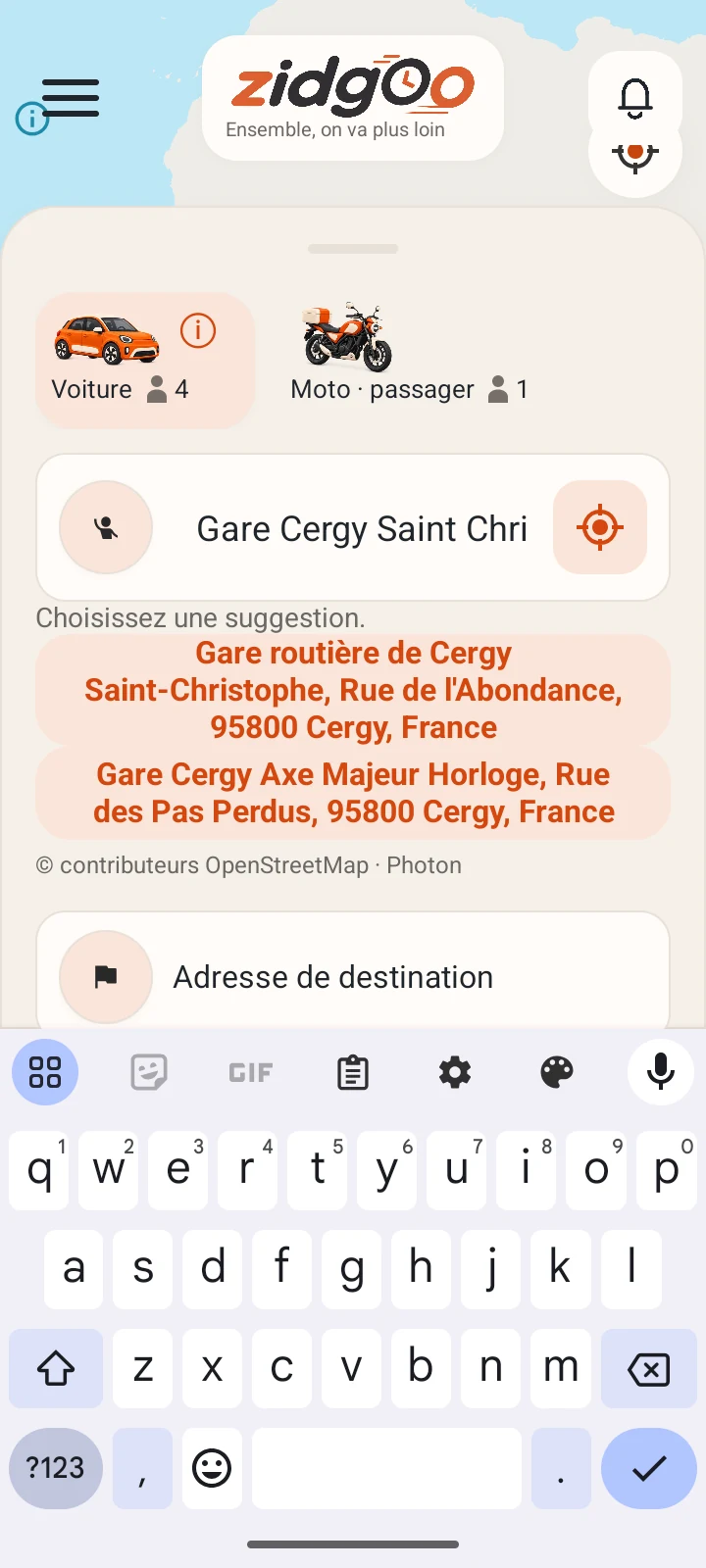
Choose the departure
Qualification screenshot · French interface
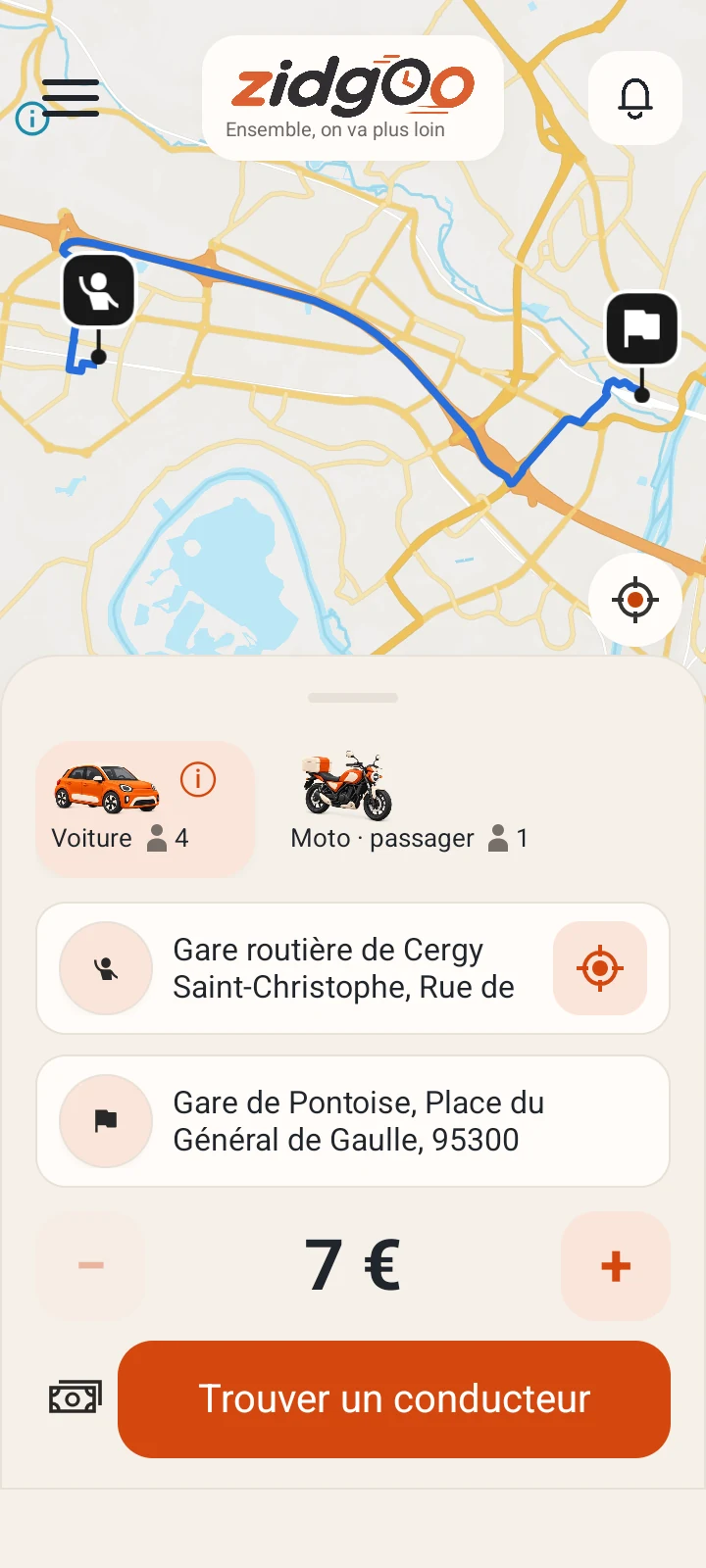
Review the route on the map
Qualification screenshot · French interface
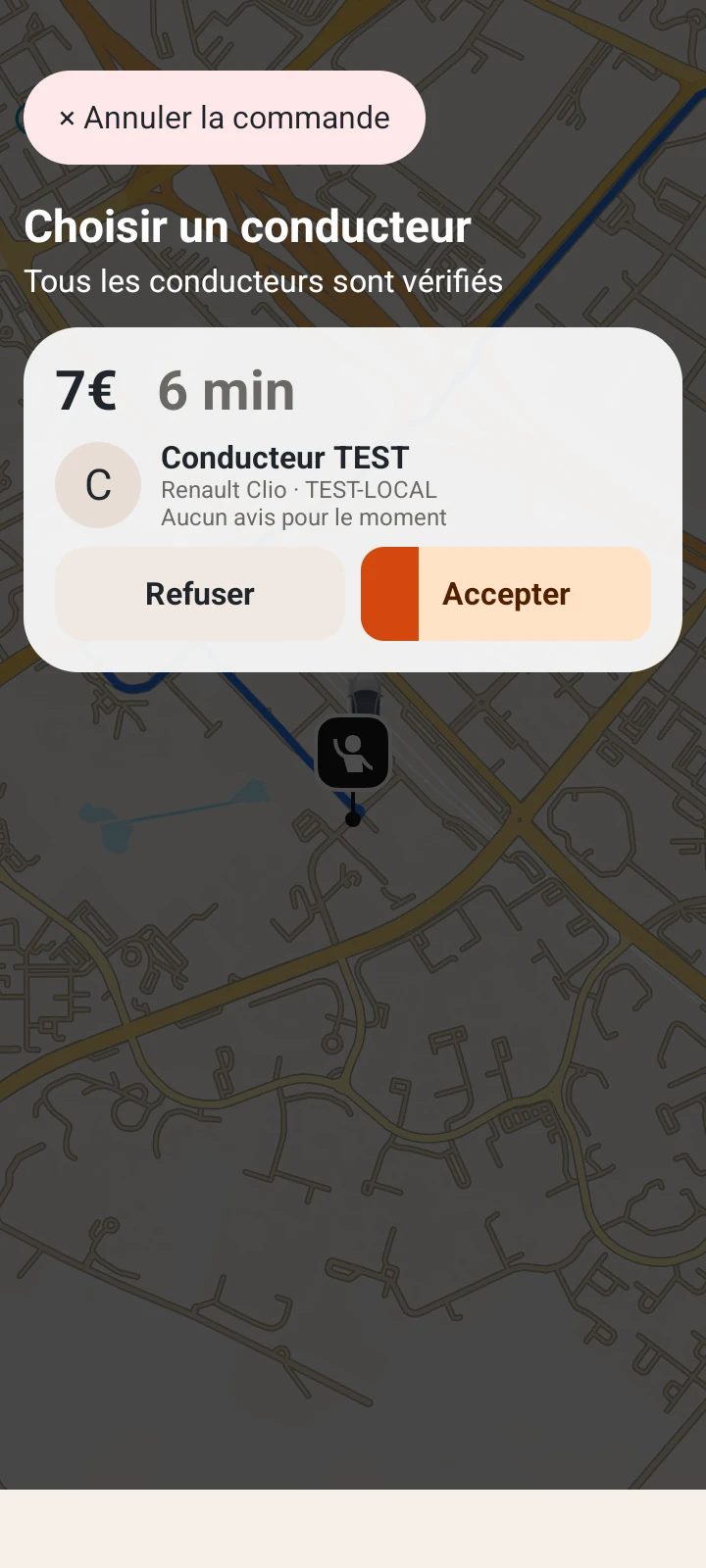
Review an offer
Qualification screenshot · French interface
Authentic screenshots from Android qualification builds, with fictional accounts, journeys and example amounts. Some views come from different scenarios and do not advertise available rides.
1. Prepare your account
Register with an email address and a phone number you control. Confirm your email using the link received. Phone verification uses a single-use SMS code when that service is enabled. Creating an account does not approve a driver application.
2. Find a compatible journey
The passenger enters their departure, destination and the requested trip information. The driver reviews requests compatible with a journey they already intend to make. They may submit a proposal or counterproposal; the passenger chooses an offer. A proposal is not a guaranteed booking.
3. Meet and complete the trip
Check the meeting point, vehicle and agreed details together. Follow the departure and arrival steps shown in the application. The driver confirms completion. Afterwards, check the history. If something is wrong, give support the trip reference instead of creating a duplicate request.