Understand account verification, driver documents and practical precautions.
See the steps in the app
Find your way around the app. Tap a screenshot to view it at full size.
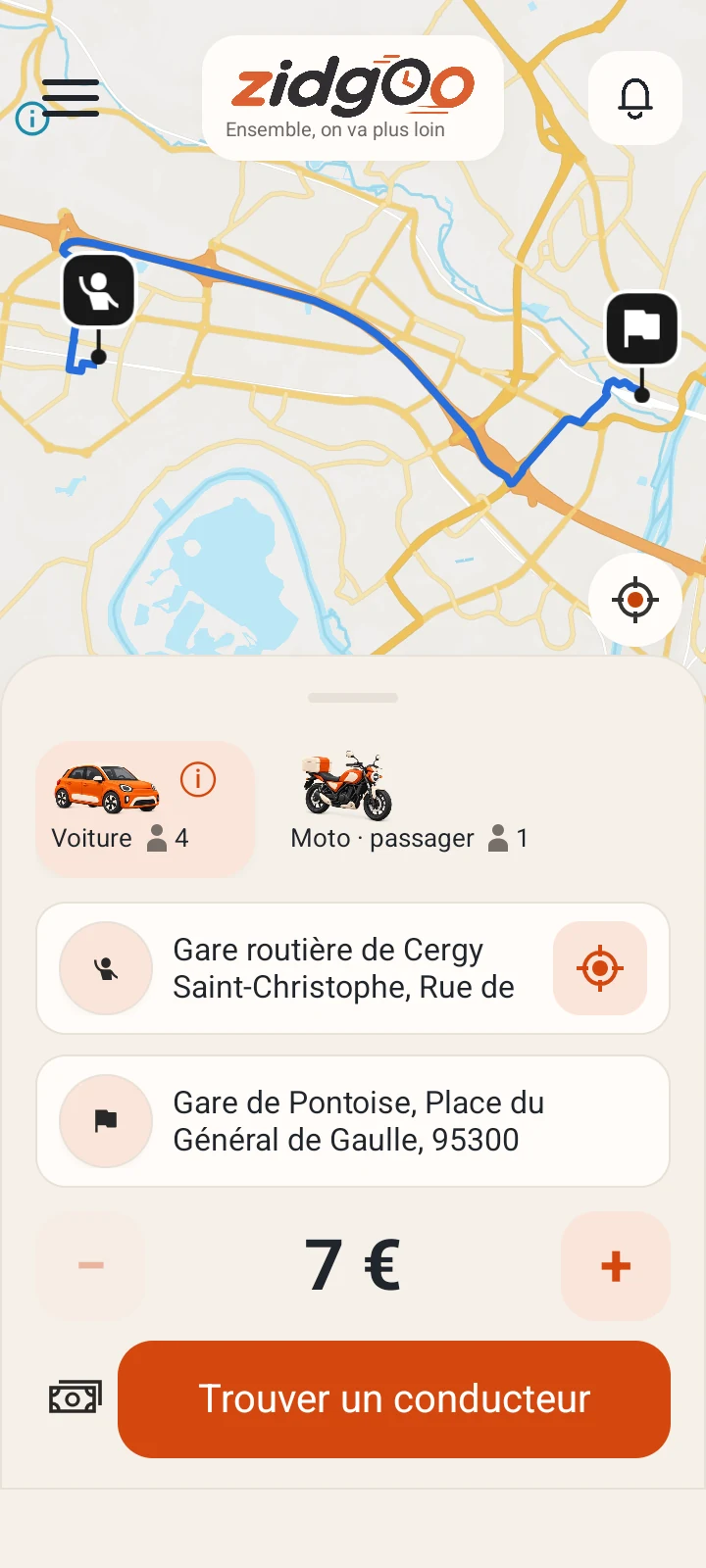
Review the route on the map
Qualification screenshot · French interface
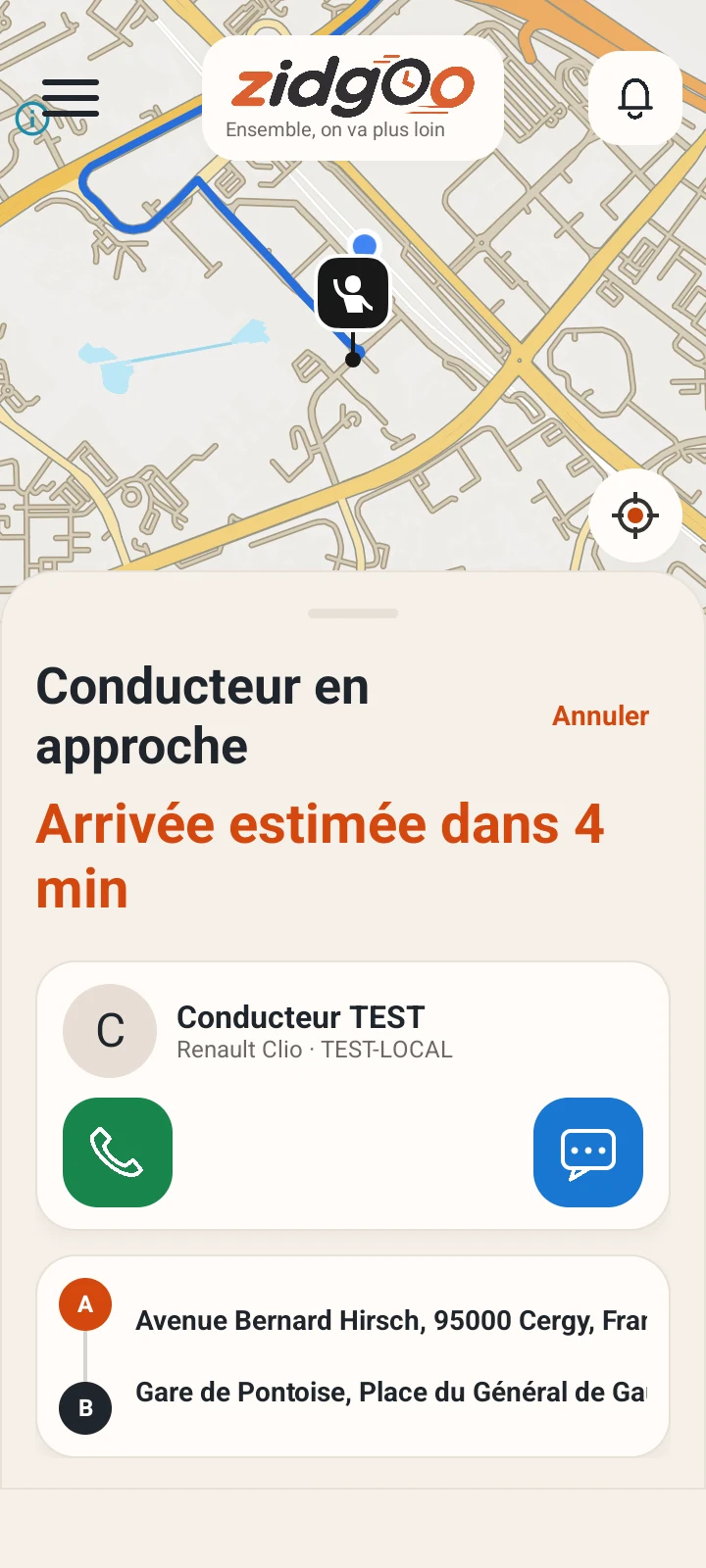
Contact the driver
Qualification screenshot · French interface
Authentic screenshots from Android qualification builds, with fictional accounts, journeys and example amounts. Some views come from different scenarios and do not advertise available rides.
Protect your account
Use an email address and phone number you control. Never share your password, confirmation link or temporary code with another person. Codes expire and repeated requests may be limited to reduce abuse.
Understand what checks mean
Email confirmation, phone verification and driver review are separate steps. An examined document or a status indicator is not an absolute guarantee against an incident. Check the trip details and vehicle before getting in.
Get help
Contact support with the trip reference and a precise description of the problem. Do not post identity documents publicly. In immediate danger, contact local emergency services; the support inbox is not an emergency service.